Create workspace
Learn how to create a workspace in NocoDB
When you sign up for NocoDB, a default workspace is automatically created for you. You can rename this workspace or create additional ones as needed.
The ability to create additional workspaces depends on your subscription plan. Refer to the pricing page for details.
Create a workspace
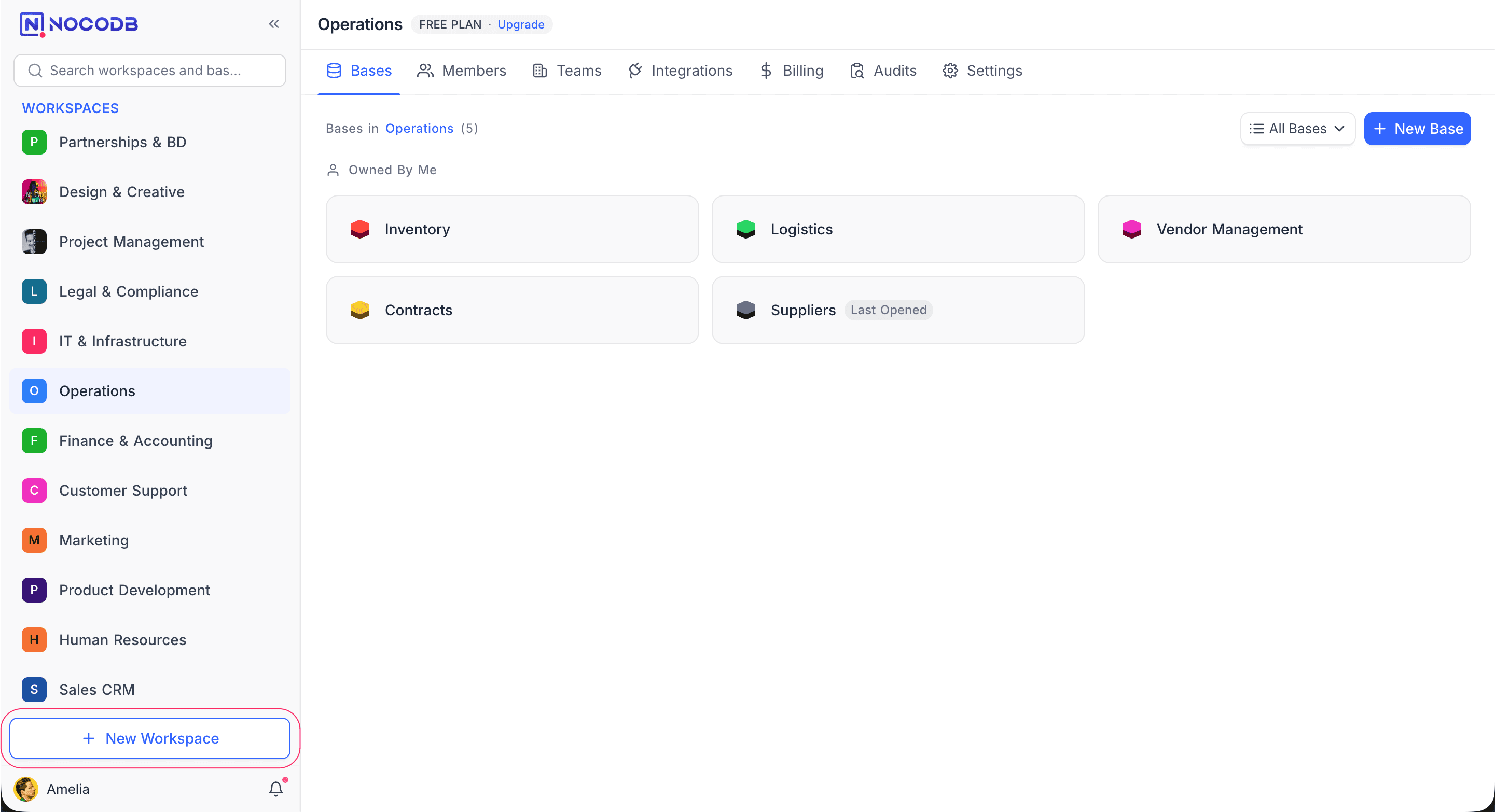
- Click + New Workspace at the bottom of the sidebar.
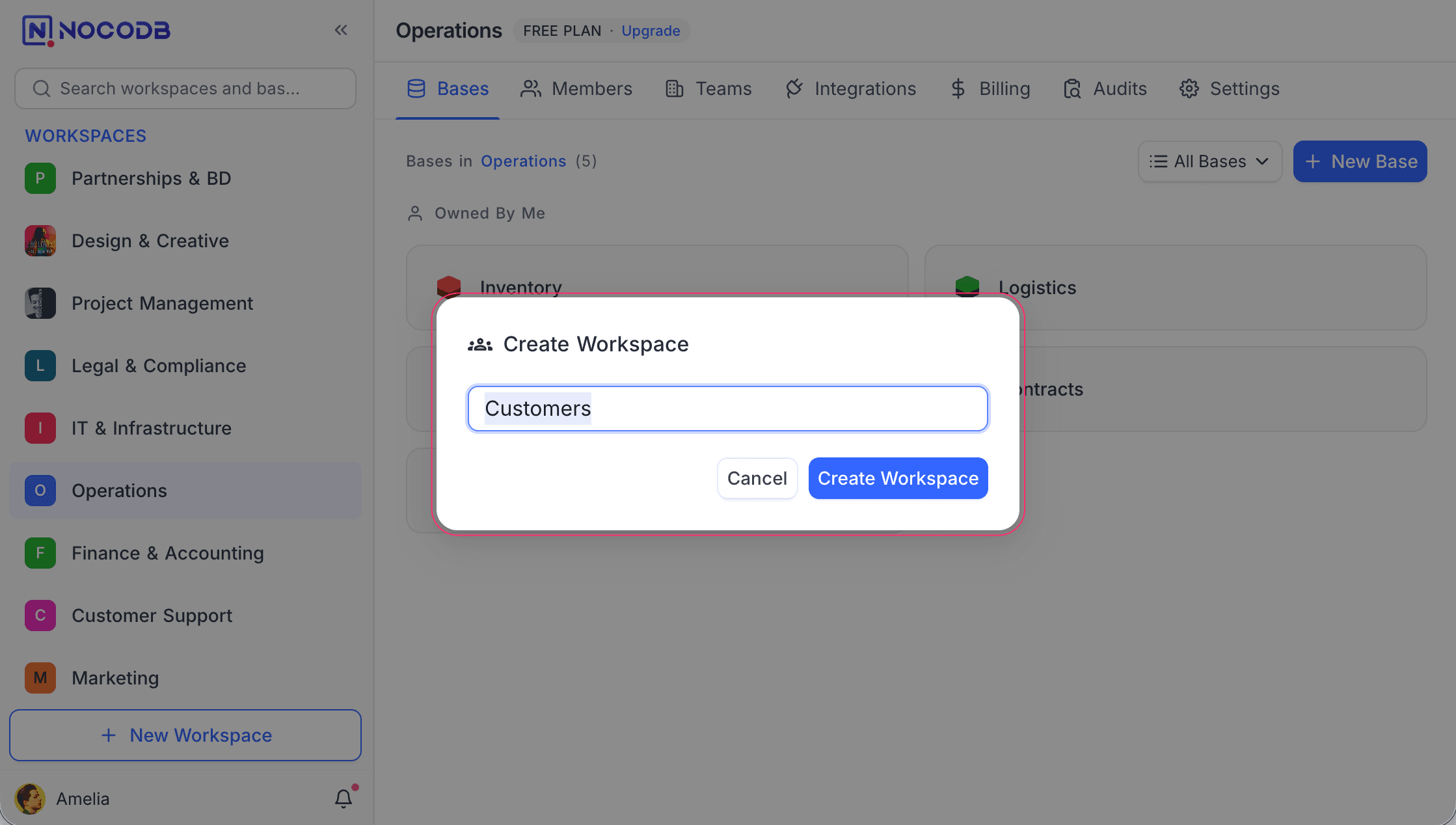
- Enter a name for your workspace.
- Click Create Workspace.
Once created, you become the owner of the workspace. You can then create bases and invite collaborators to work with you.